If your hosting company requires you to use their nameservers, or if you run your own DNS server, you’ll need to change the authoritative nameservers for your domain.
How to Change Nameservers to Another DNS Host
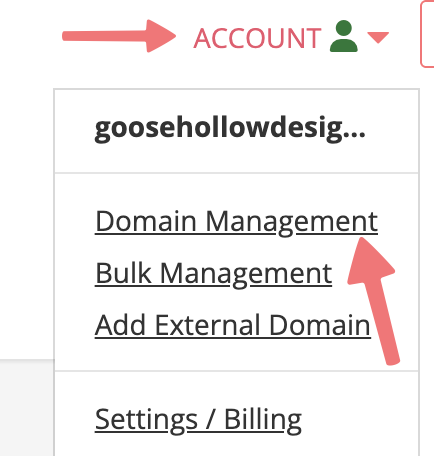
- Log in to your Porkbun Account and navigate to the Domain Management screen. If you’re already logged in, click on ACCOUNT in the top-right corner and select “Domain Management.”
2. Locate the domain for which you want to change or update nameservers. Click the “Details” drop-down button to the far right of the domain name and locate the “Nameservers” field, then click the edit icon.

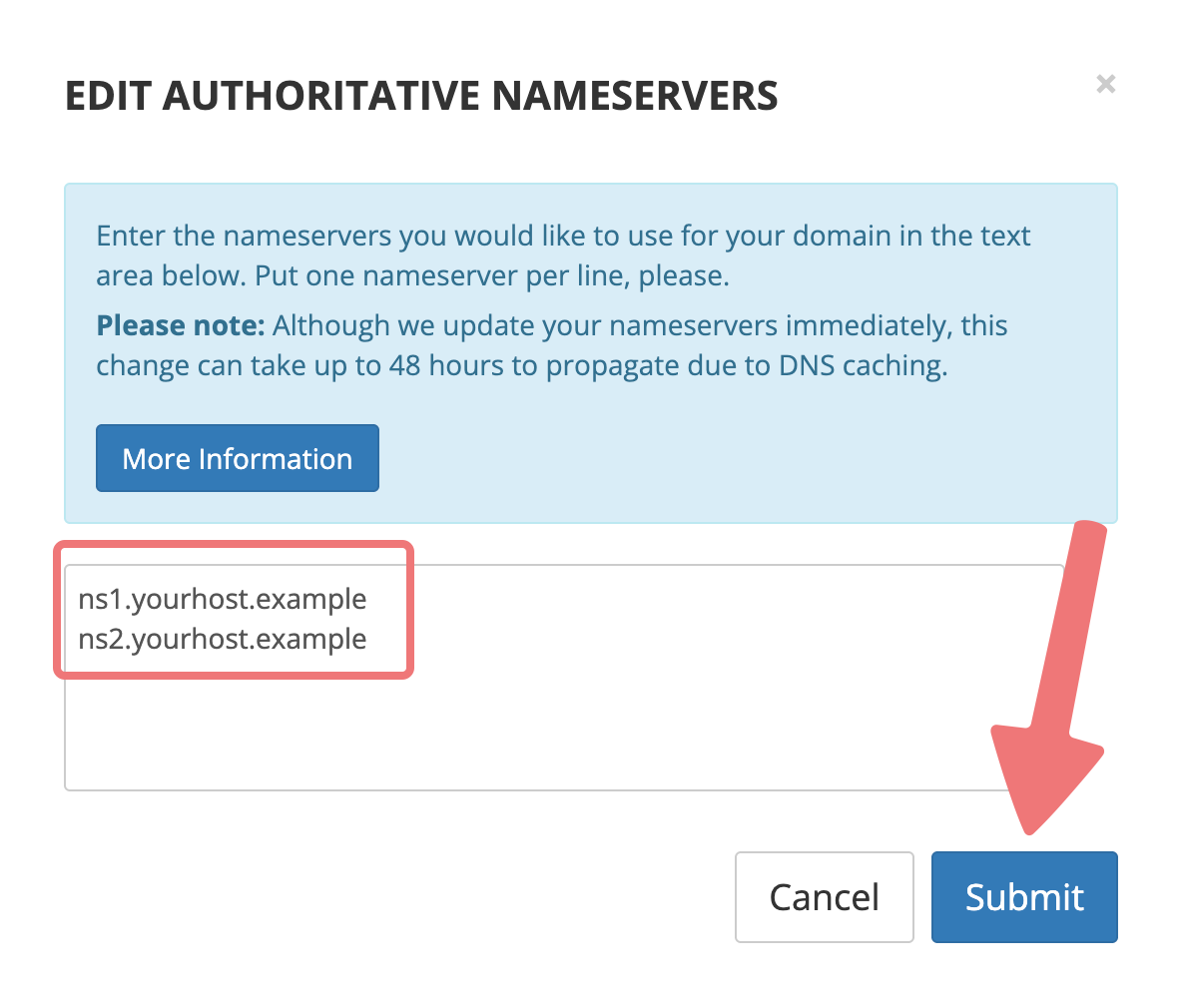
3. A pop-up window should appear with your current nameservers. This list specifies which DNS servers will be queried when a user looks up your domain.
If you’ve never changed this setting before, the list is pre-populated with Porkbun nameservers.

4. Remove all of the existing entries. Add the desired nameservers, one per line. Click the “Submit” button to save your changes.
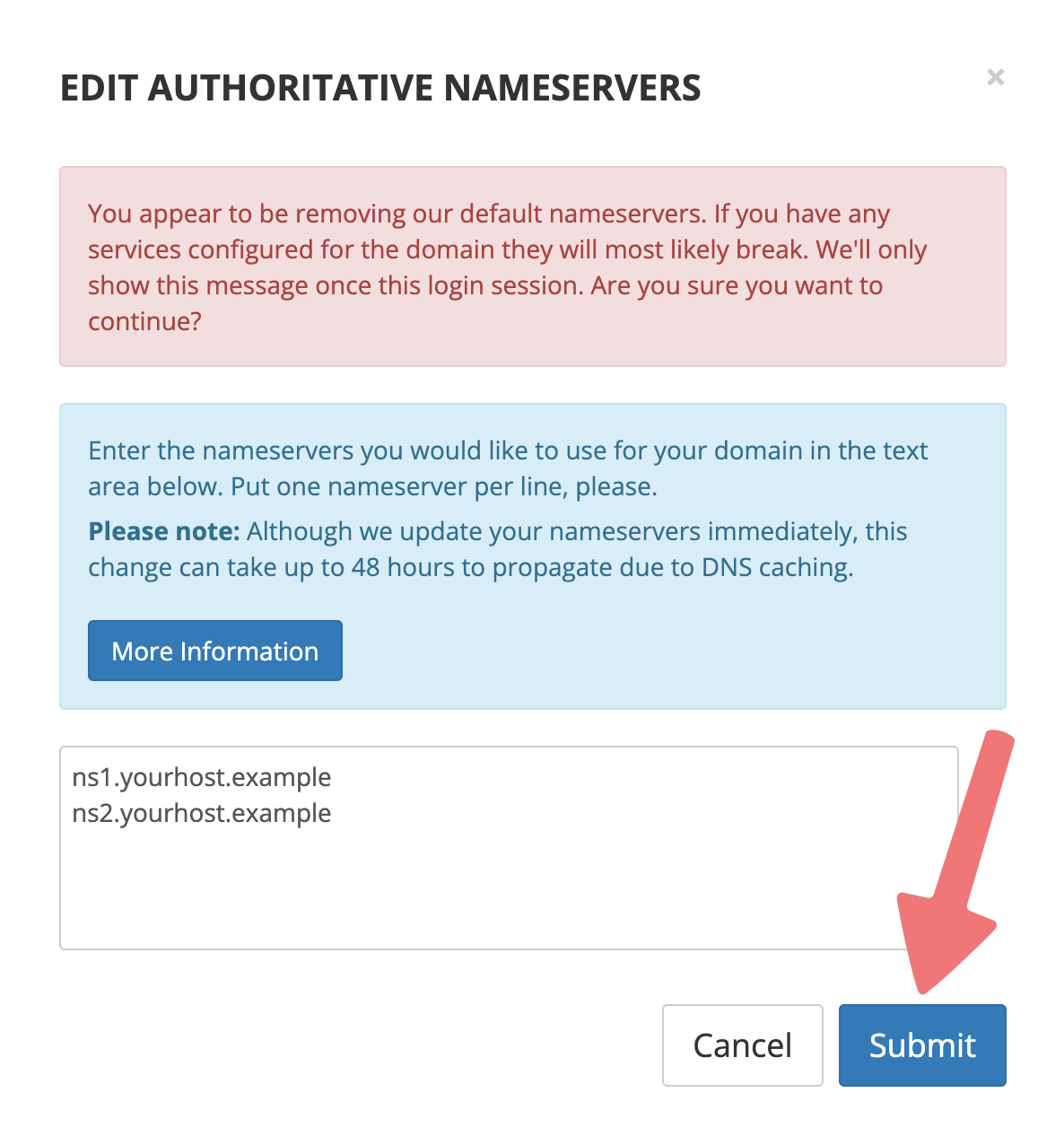
You may see an additional message asking you to confirm whether you want to change nameservers. To fully submit and save the change, click on “Submit” one more time.
That’s it! You’ve changed your domain’s nameservers successfully.