How to Add an A Record on Hostinger
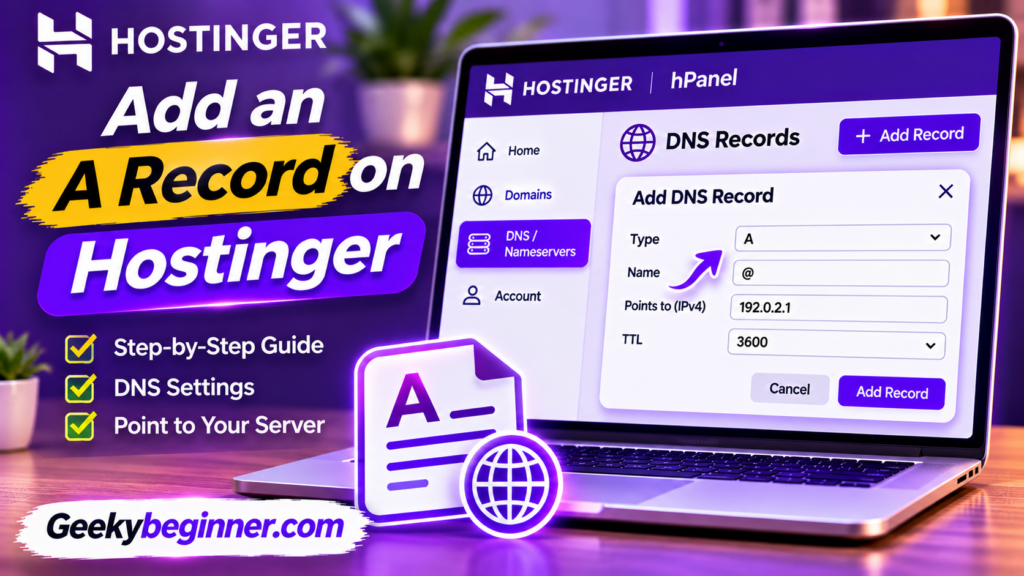
Learn how to add an A record on Hostinger using the DNS Zone Editor. This guide explains how to find your server IP address, configure an A record for your root domain or subdomain, update existing records, and troubleshoot common DNS errors.
How to Manage DNS Records on Hostinger
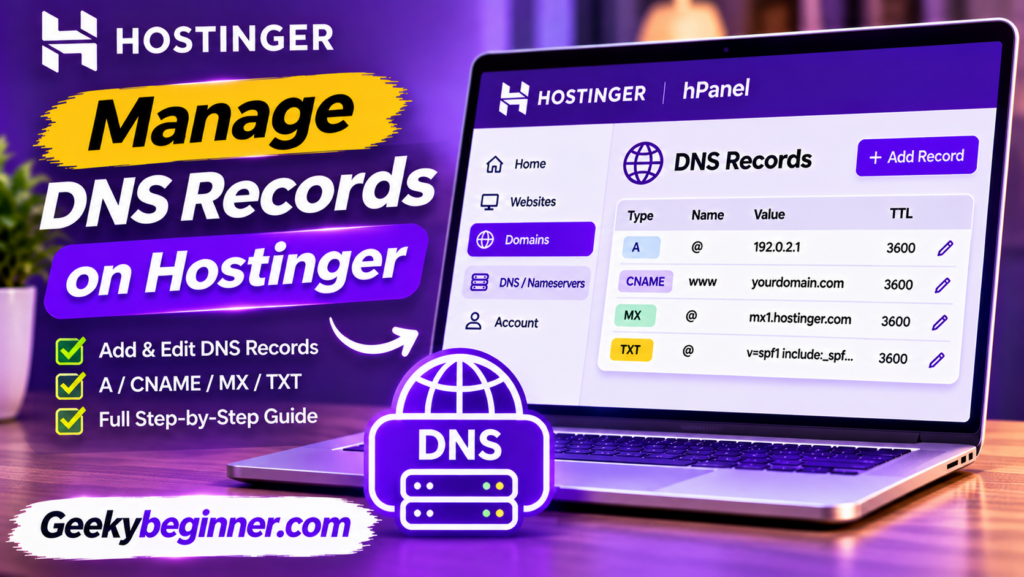
Learn how to manage DNS records on Hostinger using the DNS Zone Editor. This beginner-friendly guide explains common DNS record types, how to add, edit, and delete records, configure email DNS settings, and troubleshoot common DNS problems.
How to Use Hostinger hPanel in 2026
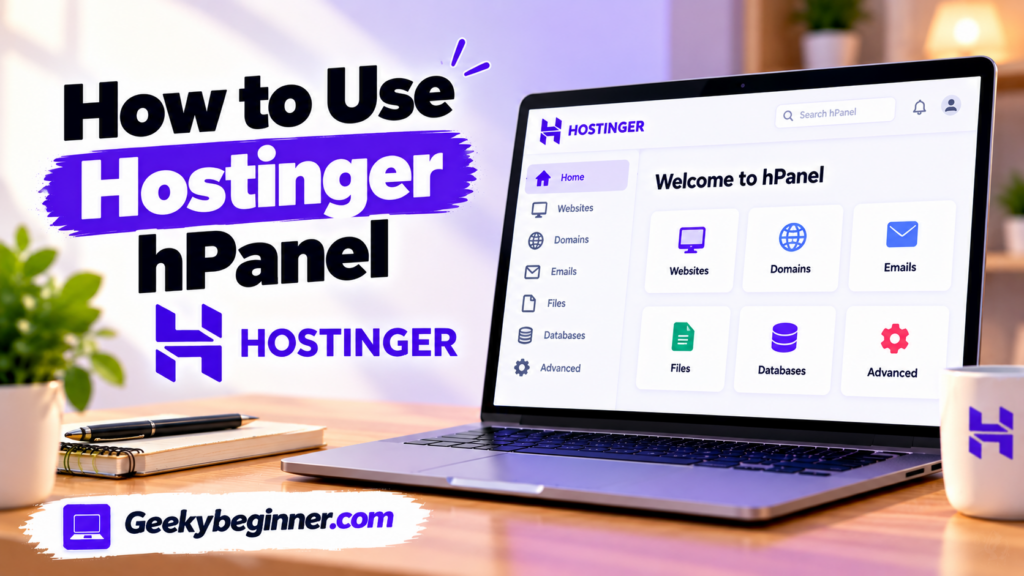
New to Hostinger hPanel? Learn how to navigate the dashboard and manage your hosting account, websites, domains, DNS records, files, databases, email, backups, SSL certificates, and security settings. This beginner-friendly guide explains the main tools and shows you where to find the settings you need.
The 2026 Strategic Intelligence Brief: User Interface Architecture and Web Administration – Hostinger’s Control Panel

In the digital infrastructure landscape of 2026, the barrier to entry for establishing a global online presence has been systematically dismantled by User Experience (UX) engineering. The commercial Web hosting service sector relies heavily on proprietary dashboards to convert non-technical consumers into capable webmasters. Hostinger’s custom interface, commonly referred to as hPanel, serves as a […]
How to Use Hostinger Control Panel Like a Pro

If you have ever built a website, you have likely encountered a control panel. For many years, cPanel was the undisputed industry standard, a powerful but often dated-looking dashboard for managing your server. When you sign up for Hostinger, however, you will notice something different. You get access to hPanel. Table of Contents Hostinger developed […]
How to Create a Subdomain in Namecheap Hosting
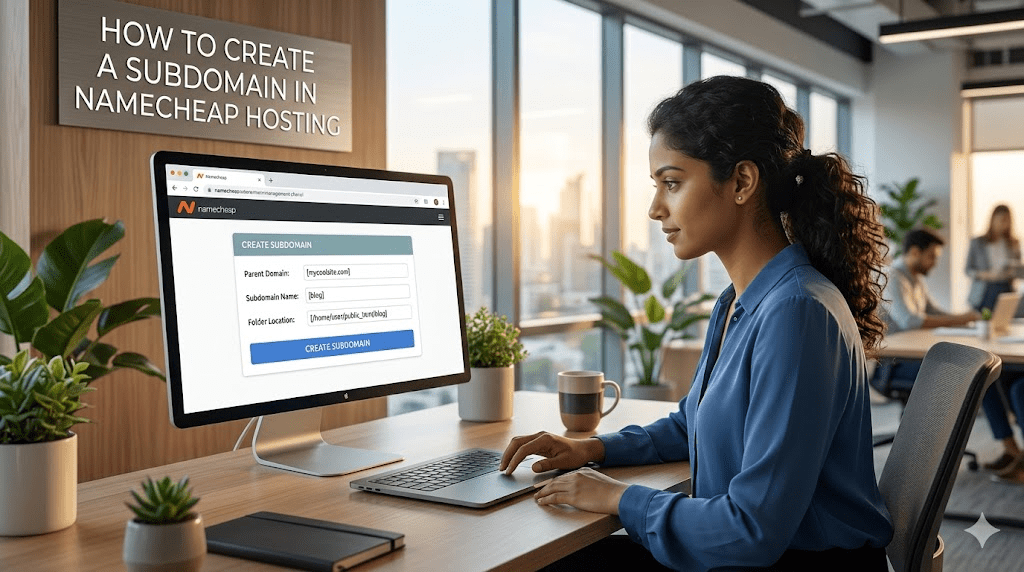
Namecheap allows you to improve your domain’s performance by creating subdomains such as blog.example.com for your blog, support.example.com for your customer help, and store.example.com for your e-commerce store. Whether you are looking to promote your services, create a blog, or organize your content, this article will explore how to add your subdomain in Namecheap, the […]