How to Force HTTPS on Hostinger (2026 Step-by-Step Guide)
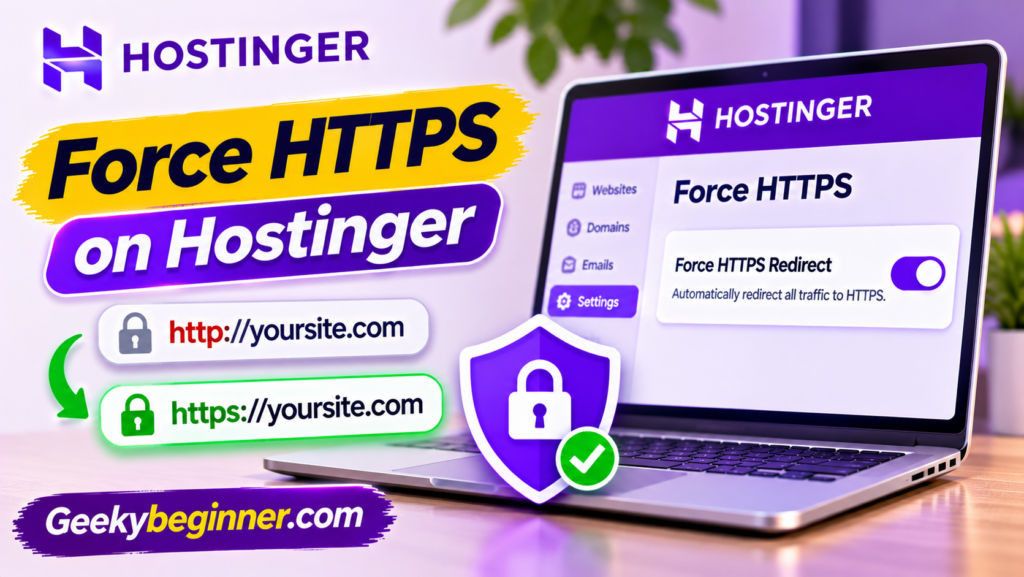
Want your Hostinger website to load securely with HTTPS? Follow this step-by-step guide to check SSL, enable Force HTTPS in hPanel, update WordPress URLs, fix mixed-content warnings, and troubleshoot common HTTPS redirect problems.
How to Redirect a Domain on Hostinger (2026 Step-by-Step Guide)

Want to send visitors from an old domain to a new website? Learn how to redirect a domain on Hostinger using hPanel, domain forwarding, or .htaccess. This guide also explains 301 and 302 redirects, SEO considerations, and common troubleshooting steps.
How to Set Up Hostinger Email on Outlook (2026 Guide)

Want to manage your Hostinger business email in Microsoft Outlook? Learn how to configure your mailbox using IMAP and SMTP, find the correct server settings, and troubleshoot connection issues. This guide also explains an important compatibility limitation with the new Outlook for Windows.
How to Use Hostinger Email on Gmail (2026 Guide)

Want to access your Hostinger business email through Gmail? Learn how to add your custom-domain email address to the Gmail mobile app using IMAP and SMTP settings, understand desktop Gmail limitations, and fix common connection problems.
How to Create a Business Email on Hostinger

Want a professional email address for your business? This guide explains how to create a business email on Hostinger using your own domain, activate an email plan, create mailboxes, configure DNS records, and access your inbox.
How to Fix Hostinger DNS Propagation Issues
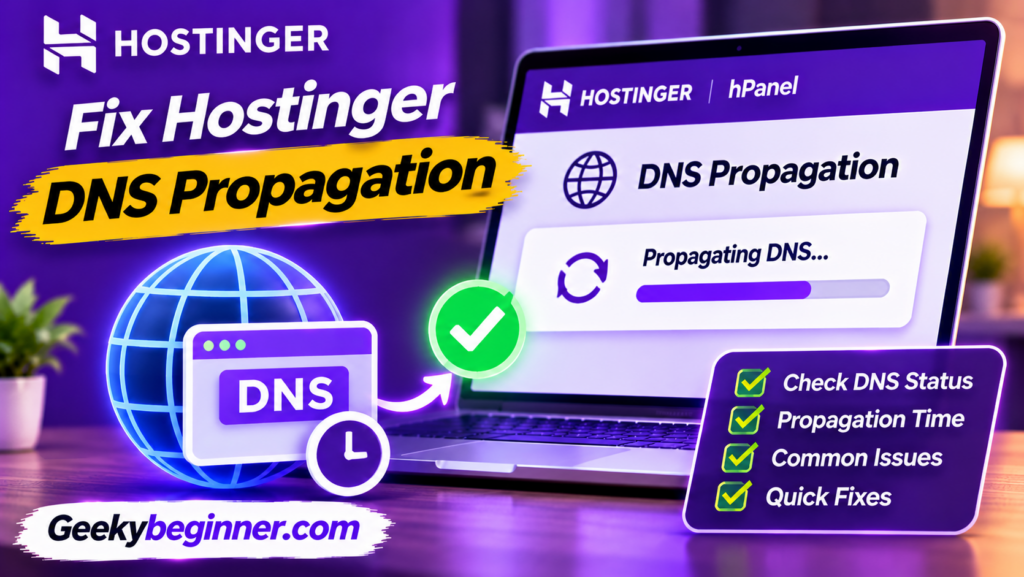
Having trouble with DNS propagation on Hostinger? This guide explains how to check DNS changes, verify nameservers, correct A and MX records, troubleshoot DNSSEC problems, clear local DNS cache, and fix common domain connection errors.
How to Add an A Record on Hostinger
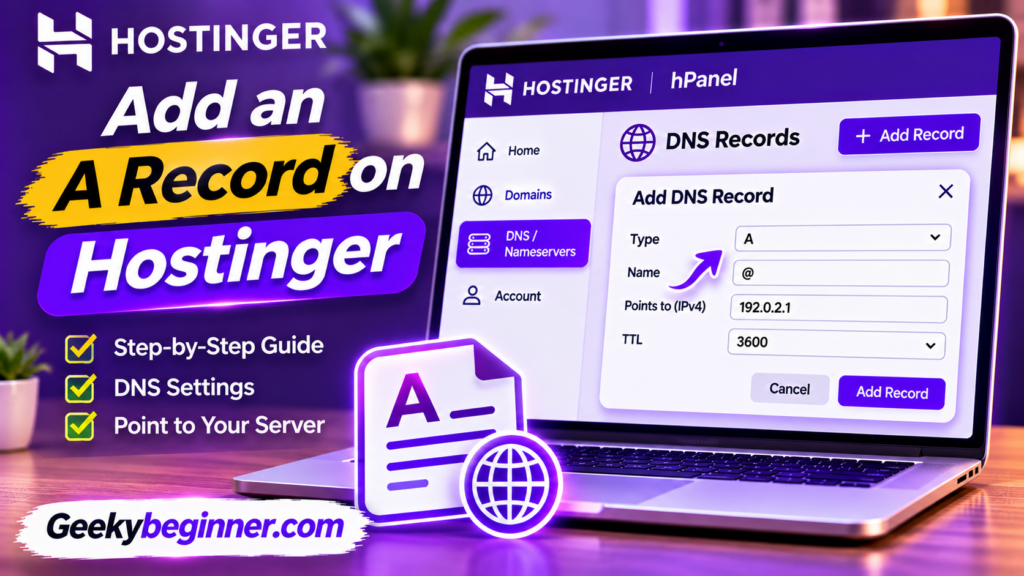
Learn how to add an A record on Hostinger using the DNS Zone Editor. This guide explains how to find your server IP address, configure an A record for your root domain or subdomain, update existing records, and troubleshoot common DNS errors.
How to Point a Domain to Hostinger Nameservers
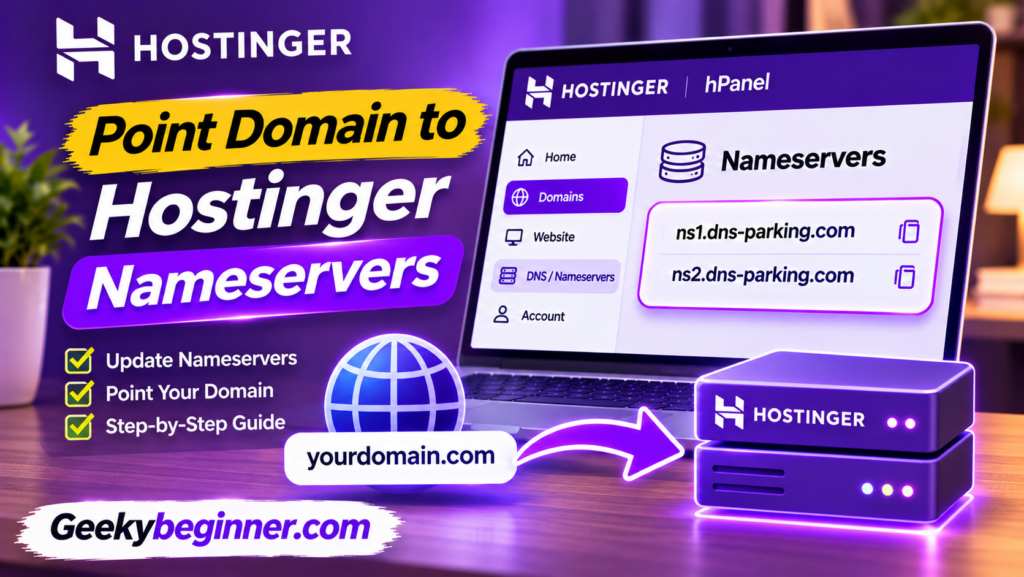
Learn how to point your domain to Hostinger nameservers, whether your domain is registered with GoDaddy, Namecheap, or another provider. This step-by-step guide explains how to find Hostinger nameservers, update registrar settings, protect email services, check DNS propagation, and fix common connection problems.
How to Transfer a Domain to Hostinger (Step-by-Step Guide)

Want to manage your domain and hosting in one place? This guide explains how to transfer a domain to Hostinger, including eligibility checks, domain unlocking, authorization codes, transfer approval, DNS settings, and troubleshooting.
How to Register a Domain on Hostinger: Step-by-Step Guide (2026)

Want to register a new domain with Hostinger? This step-by-step guide explains how to search for an available name, choose a domain extension, compare registration and renewal prices, complete checkout, submit contact details, verify ownership, and connect your domain to a website.