How to Force HTTPS on Hostinger (2026 Step-by-Step Guide)
Want your Hostinger website to load securely with HTTPS? Follow this step-by-step guide to check SSL, enable Force HTTPS in hPanel, update WordPress URLs, fix mixed-content warnings, and troubleshoot common HTTPS redirect problems.
How to Set Up Hostinger Email on Outlook (2026 Guide)
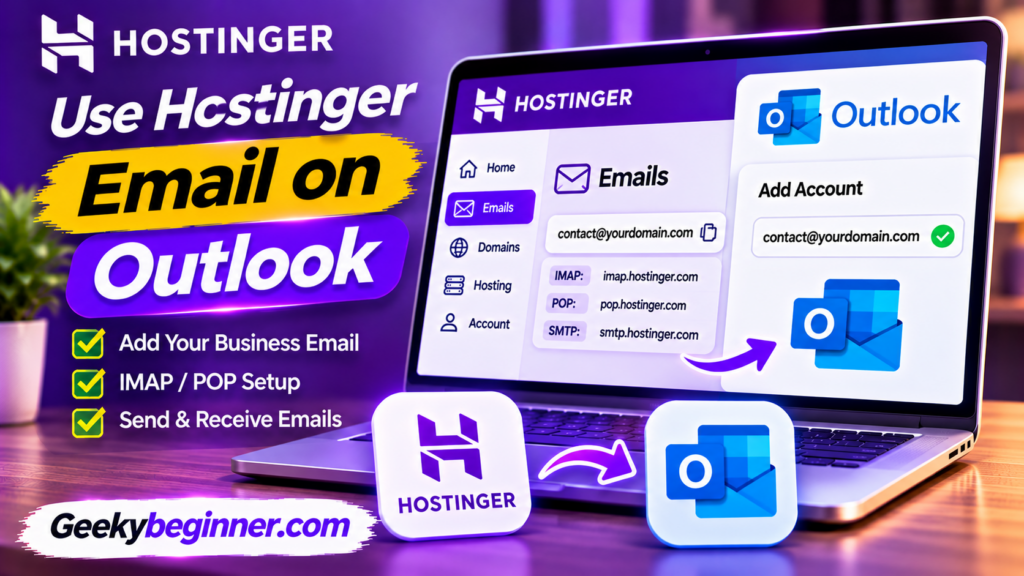
Want to manage your Hostinger business email in Microsoft Outlook? Learn how to configure your mailbox using IMAP and SMTP, find the correct server settings, and troubleshoot connection issues. This guide also explains an important compatibility limitation with the new Outlook for Windows.
How to Use Hostinger Email on Gmail (2026 Guide)

Want to access your Hostinger business email through Gmail? Learn how to add your custom-domain email address to the Gmail mobile app using IMAP and SMTP settings, understand desktop Gmail limitations, and fix common connection problems.
How to Create a Business Email on Hostinger

Want a professional email address for your business? This guide explains how to create a business email on Hostinger using your own domain, activate an email plan, create mailboxes, configure DNS records, and access your inbox.
How to Register a Domain on Hostinger: Step-by-Step Guide (2026)
Want to register a new domain with Hostinger? This step-by-step guide explains how to search for an available name, choose a domain extension, compare registration and renewal prices, complete checkout, submit contact details, verify ownership, and connect your domain to a website.
How to Create a Website with Hostinger Builder in 2026: Step-by-Step Guide
Want to build a website without coding? This step-by-step guide explains how to create a website with Hostinger Builder using AI or a ready-made template. Learn how to choose a building mode, customize pages, add content and images, connect a domain, configure SEO settings, and publish your website.
How to Improve WordPress Performance on Hostinger in 2026: Complete Guide
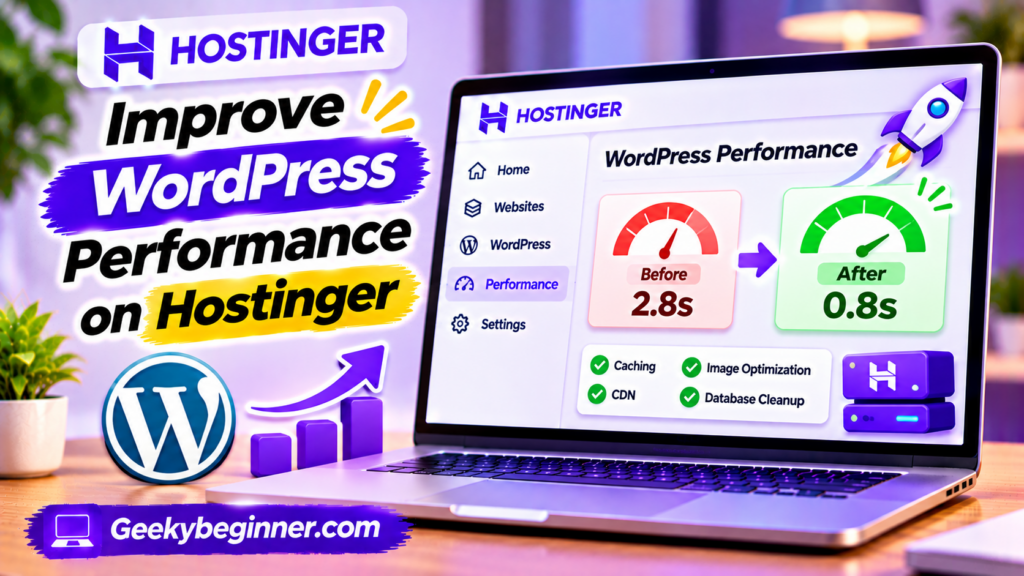
Is your WordPress website running slowly on Hostinger? This guide explains how to improve its performance using LiteSpeed Cache, image optimization, CDN, database maintenance, lightweight themes, and better plugin management. Follow the steps to identify speed problems, configure caching, reduce unnecessary resources, and monitor your website’s performance.
How to Install an SSL Certificate on Hostinger in 2026
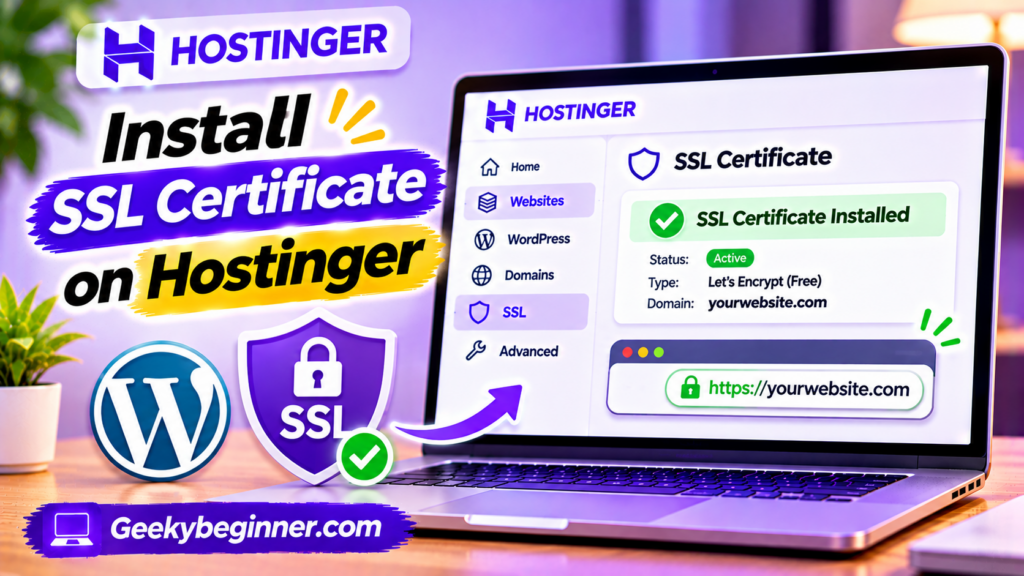
Learn how to install an SSL certificate on Hostinger and secure your website with HTTPS. This guide explains how Hostinger’s free Lifetime SSL works, how to install or reinstall a certificate through hPanel, how to use a custom SSL certificate, force HTTPS, verify certificate status, and troubleshoot common SSL installation and mixed content problems.
How to Increase WordPress Memory Limit on Hostinger
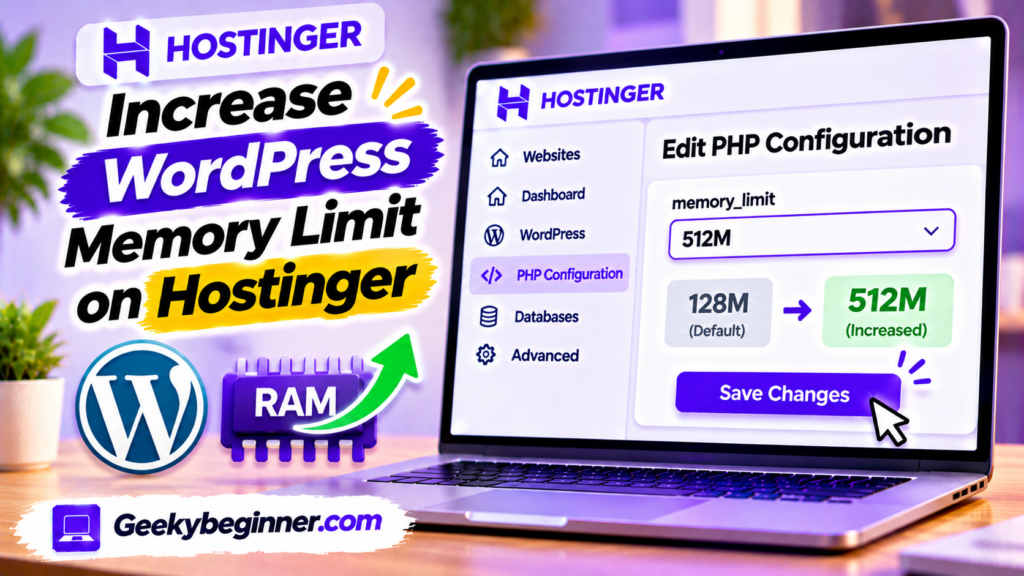
Running out of memory on your WordPress website hosted with Hostinger? This guide explains how to check your current memory limit and increase it through hPanel PHP Configuration or the WordPress wp-config.php file. Learn the difference between WordPress and PHP memory limits, fix memory exhausted errors, verify your changes, and troubleshoot hosting restrictions.
How to Change PHP Version on Hostinger in 2026: Step-by-Step Guide
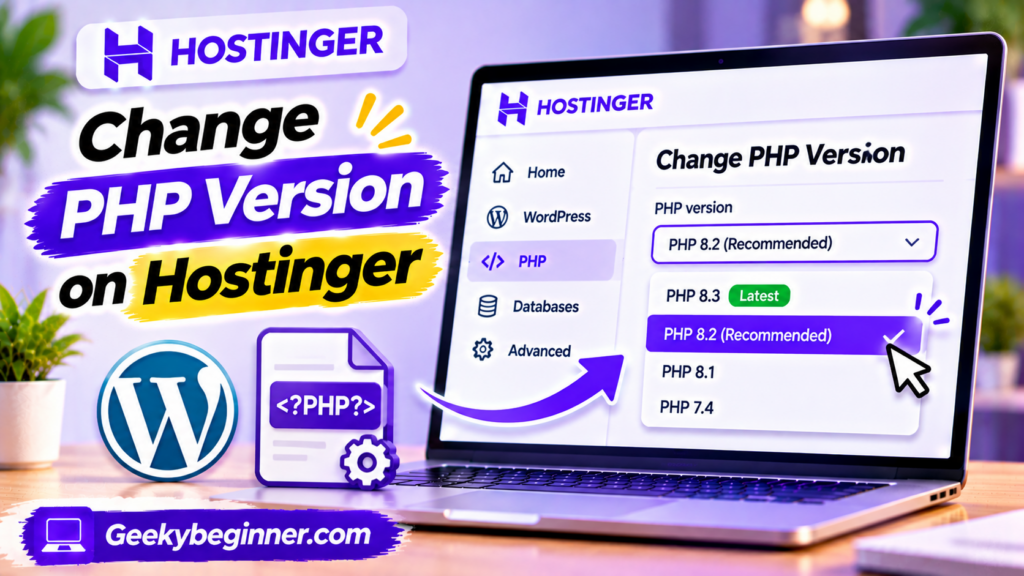
Learn how to check and change the PHP version of a website hosted on Hostinger. This guide explains how to use hPanel’s PHP Configuration settings, prepare WordPress before upgrading, verify the active PHP version, manage extensions, and troubleshoot compatibility problems after switching versions.