How to Fix Hostinger DNS Propagation Issues
Having trouble with DNS propagation on Hostinger? This guide explains how to check DNS changes, verify nameservers, correct A and MX records, troubleshoot DNSSEC problems, clear local DNS cache, and fix common domain connection errors.
How to Point a Domain to Hostinger Nameservers
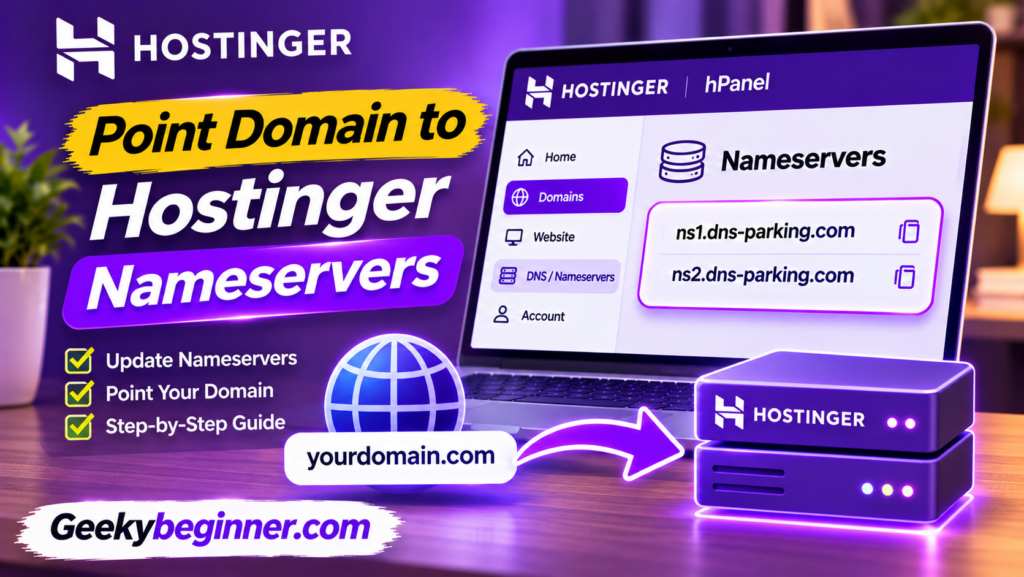
Learn how to point your domain to Hostinger nameservers, whether your domain is registered with GoDaddy, Namecheap, or another provider. This step-by-step guide explains how to find Hostinger nameservers, update registrar settings, protect email services, check DNS propagation, and fix common connection problems.
How to Connect a Domain to Hostinger in 2026: Step-by-Step Guide

Want to connect a domain registered with another provider to your Hostinger hosting account? Follow this step-by-step guide to add your domain, change nameservers or A records, configure DNS, protect existing email services, enable SSL, and confirm that your website is connected correctly.
How to Set Up a Domain on Hostinger in 2026: Complete Guide

Need to connect a domain to your Hostinger website? This guide explains how to register a new domain, connect an existing domain from another provider, update nameservers or A records, configure DNS, protect existing email services, and verify that your domain is working correctly.