How to Increase WordPress Memory Limit on Hostinger
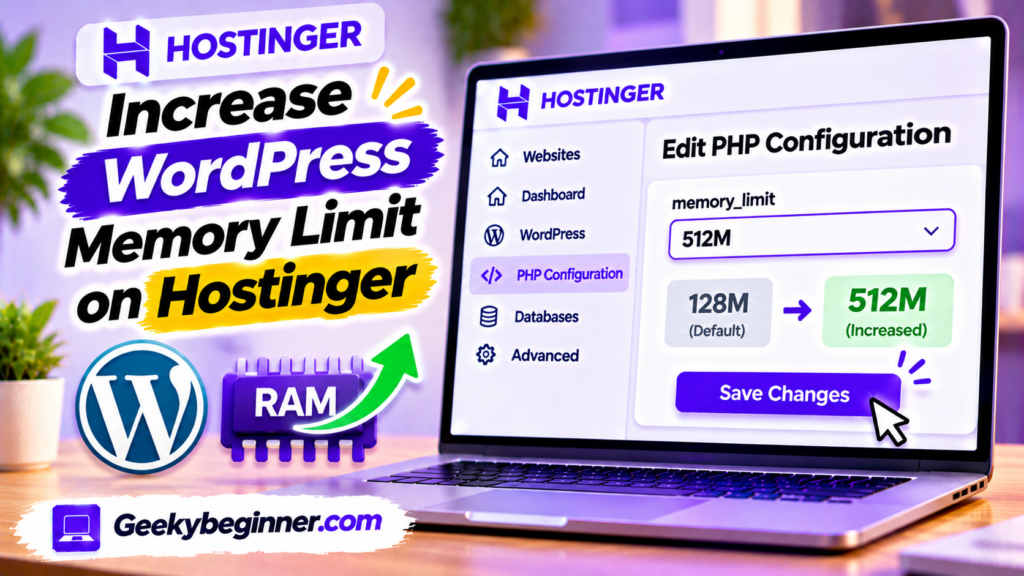
Running out of memory on your WordPress website hosted with Hostinger? This guide explains how to check your current memory limit and increase it through hPanel PHP Configuration or the WordPress wp-config.php file. Learn the difference between WordPress and PHP memory limits, fix memory exhausted errors, verify your changes, and troubleshoot hosting restrictions.
How to Change PHP Version on Hostinger in 2026: Step-by-Step Guide
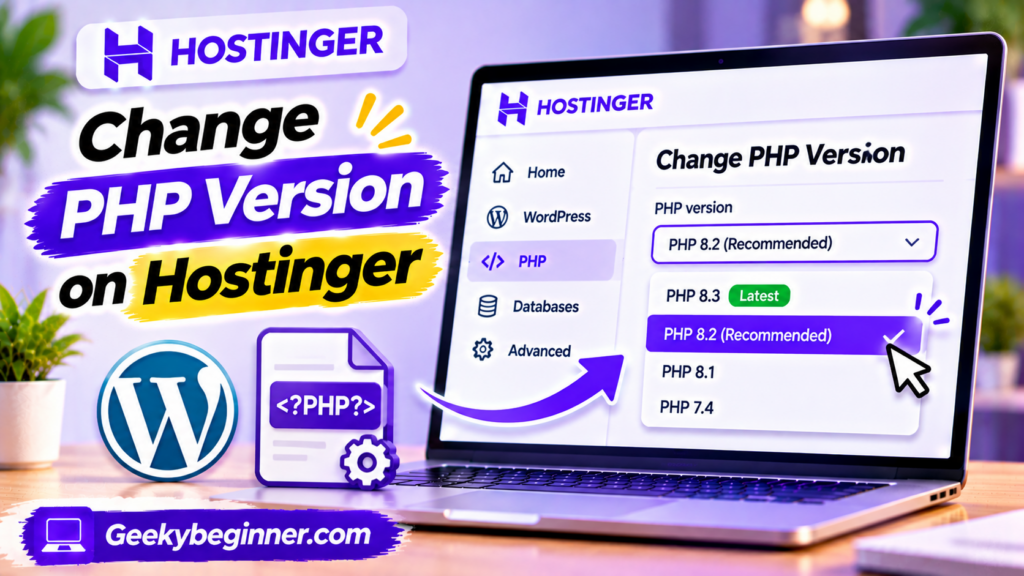
Learn how to check and change the PHP version of a website hosted on Hostinger. This guide explains how to use hPanel’s PHP Configuration settings, prepare WordPress before upgrading, verify the active PHP version, manage extensions, and troubleshoot compatibility problems after switching versions.