How to Increase WordPress Memory Limit on Hostinger
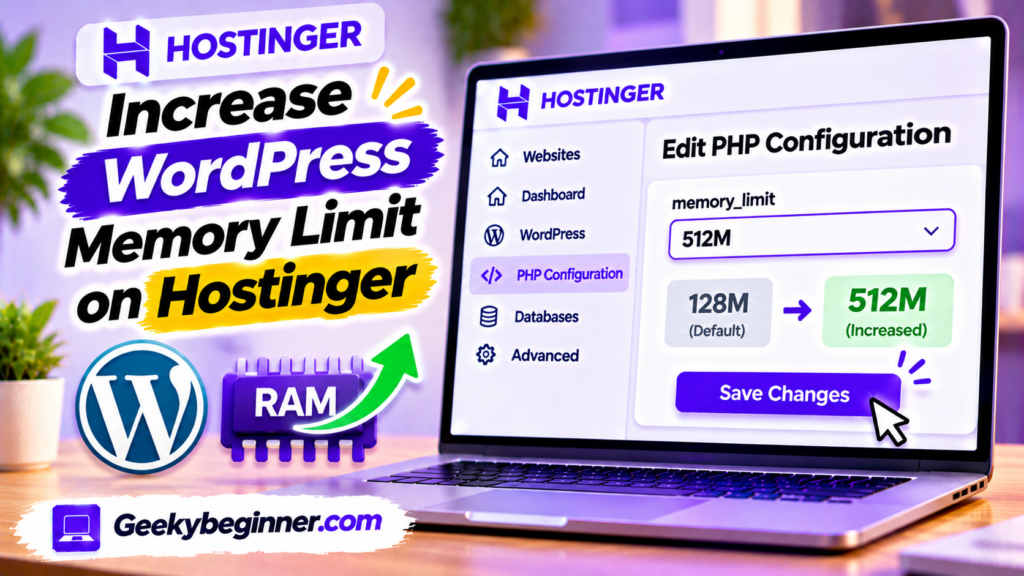
Running out of memory on your WordPress website hosted with Hostinger? This guide explains how to check your current memory limit and increase it through hPanel PHP Configuration or the WordPress wp-config.php file. Learn the difference between WordPress and PHP memory limits, fix memory exhausted errors, verify your changes, and troubleshoot hosting restrictions.
How to Restore Website Backup on Hostinger
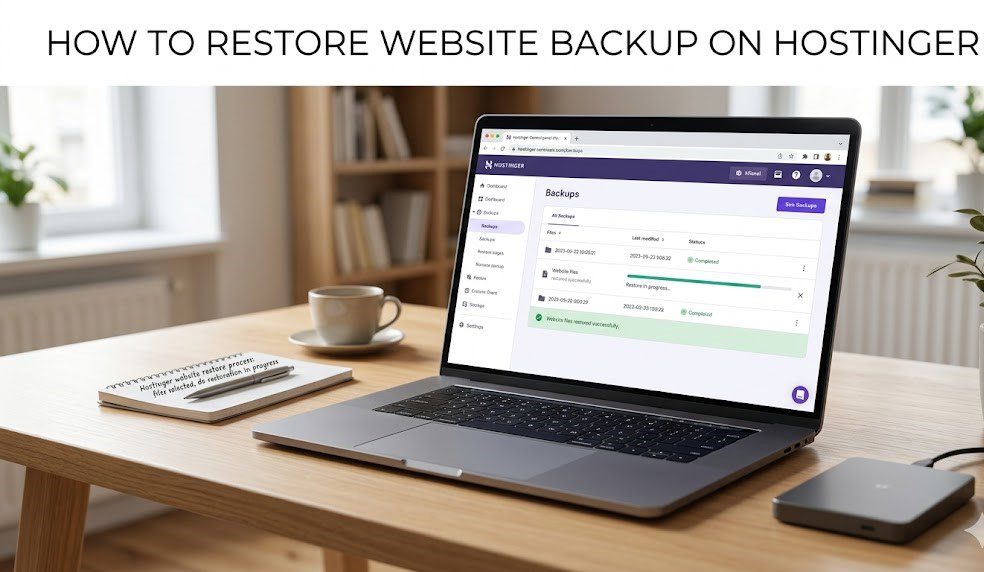
In the high-stakes environment of 2026 web management, a robust Backup strategy is the primary defense against data loss, Ransomware, and catastrophic plugin failures. As websites evolve into complex ecosystems of API integrations and dynamic content, the ability to “roll back” to a functional state is no longer a luxury—it is a foundational requirement for […]