Hostinger Website Builder vs Wix: Which Is Better in 2026?
Comparing Hostinger Website Builder vs Wix? Explore their differences in pricing, templates, AI tools, design flexibility, SEO, ecommerce, and features to choose the right platform for your website.
Hostinger Website Builder vs WordPress in 2026: Which Is Better?
Choosing between Hostinger Website Builder and WordPress depends on how much control and flexibility you need. Compare their editing experience, AI tools, templates, plugins, themes, SEO features, ecommerce options, hosting requirements, pricing considerations, and migration flexibility. This guide explains which platform is better for beginners, bloggers, businesses, and growing websites.
How to Create a Website with Hostinger Builder in 2026: Step-by-Step Guide
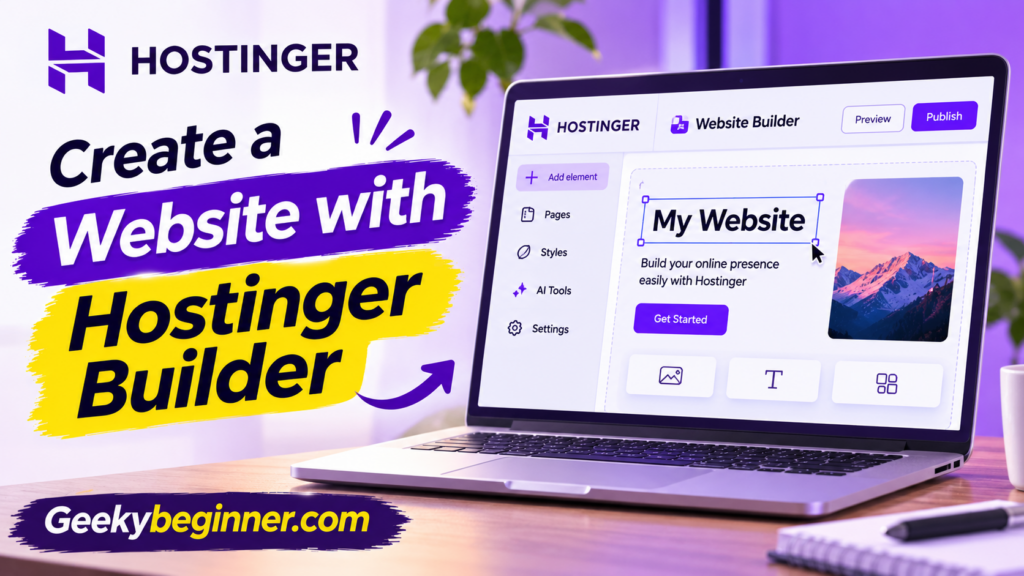
Want to build a website without coding? This step-by-step guide explains how to create a website with Hostinger Builder using AI or a ready-made template. Learn how to choose a building mode, customize pages, add content and images, connect a domain, configure SEO settings, and publish your website.
Hostinger Website Builder Review 2026: Features, Pricing, Pros & Cons
Is Hostinger Website Builder worth using in 2026? This review explores its AI-powered website creation, drag-and-drop editor, templates, ecommerce features, SEO tools, pricing, and limitations. Learn what the platform does well, where it falls short, and which types of websites are best suited to it before choosing a plan.
Hostinger for Beginners: Complete Step-by-Step Guide to Getting Started in 2026
Starting with Hostinger can feel confusing if you have never managed a website before. This beginner-friendly guide explains how to set up your hosting account, navigate hPanel, connect a domain, choose between WordPress and Hostinger Website Builder, create your first website, enable SSL, and manage essential website settings. Follow the steps to understand the basics and get your website ready to launch.
How to Add a Website to Hostinger
Need to add a website to your Hostinger account? This step-by-step guide explains how to choose the right hosting plan, create a new website, install WordPress or use Hostinger Website Builder, connect a domain, migrate an existing site, and complete the essential settings before publishing.
How to Create a Website on Hostinger in 2026: Step-by-Step Guide
Want to build your first website with Hostinger? This beginner-friendly guide walks you through choosing WordPress or Hostinger Website Builder, connecting a domain, designing pages, adding content, configuring essential settings, and publishing your website.