How to Increase WordPress Memory Limit on Hostinger
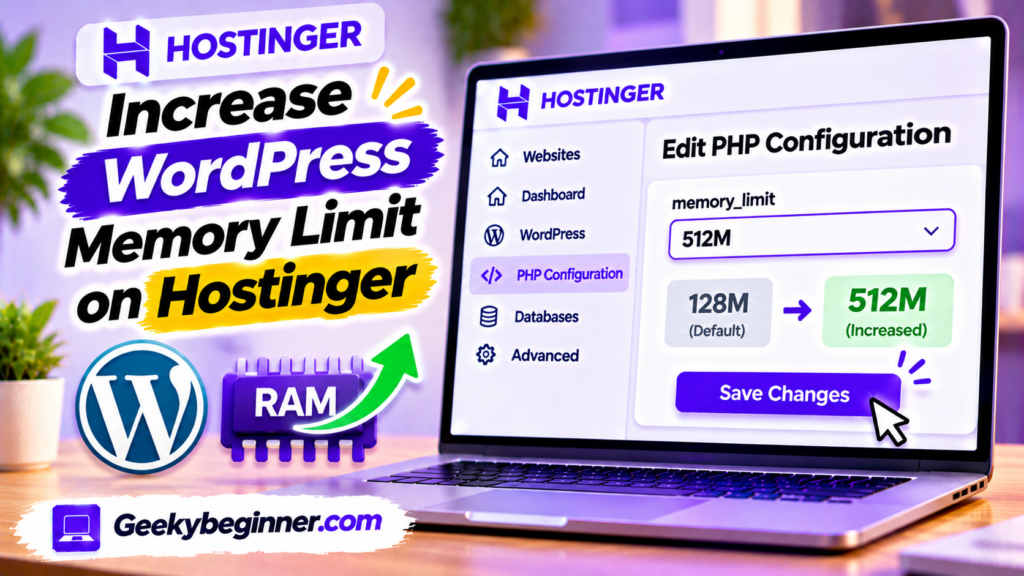
Running out of memory on your WordPress website hosted with Hostinger? This guide explains how to check your current memory limit and increase it through hPanel PHP Configuration or the WordPress wp-config.php file. Learn the difference between WordPress and PHP memory limits, fix memory exhausted errors, verify your changes, and troubleshoot hosting restrictions.
Fix WordPress Errors on Hostinger: Complete Troubleshooting Guide (2026)
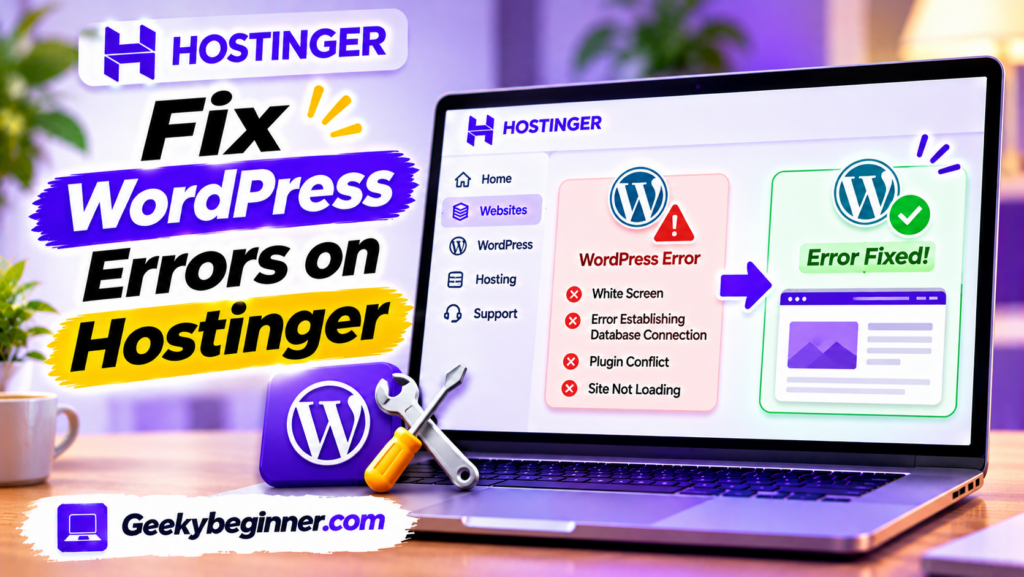
Experiencing problems with a WordPress website hosted on Hostinger? This guide explains how to identify and fix common errors, including 500 Internal Server Error, 403 Forbidden, 404 Not Found, database connection failures, critical errors, and blank pages. Learn how to use hPanel, check error logs, troubleshoot plugins and themes, enable WordPress debugging, and restore your website safely.