How to Fix Hostinger DNS Propagation Issues
Having trouble with DNS propagation on Hostinger? This guide explains how to check DNS changes, verify nameservers, correct A and MX records, troubleshoot DNSSEC problems, clear local DNS cache, and fix common domain connection errors.
How to Add an A Record on Hostinger
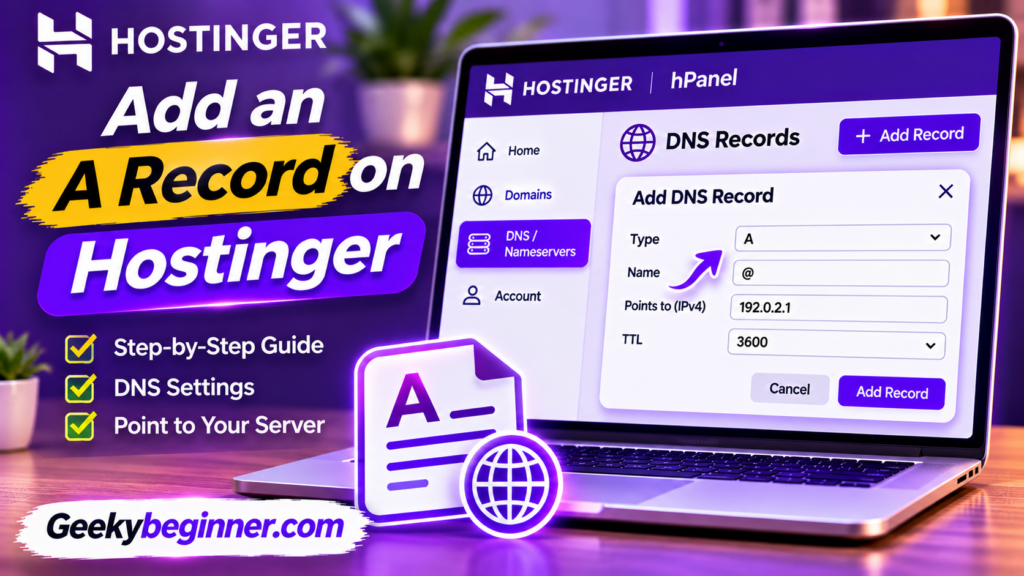
Learn how to add an A record on Hostinger using the DNS Zone Editor. This guide explains how to find your server IP address, configure an A record for your root domain or subdomain, update existing records, and troubleshoot common DNS errors.
How to Manage DNS Records on Hostinger
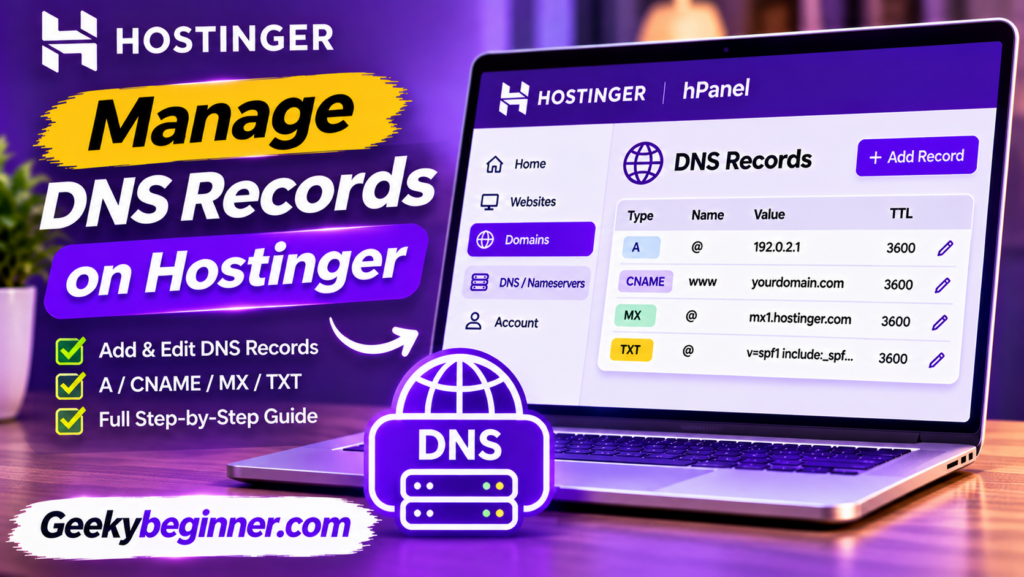
Learn how to manage DNS records on Hostinger using the DNS Zone Editor. This beginner-friendly guide explains common DNS record types, how to add, edit, and delete records, configure email DNS settings, and troubleshoot common DNS problems.
How to Point a Domain to Hostinger Nameservers
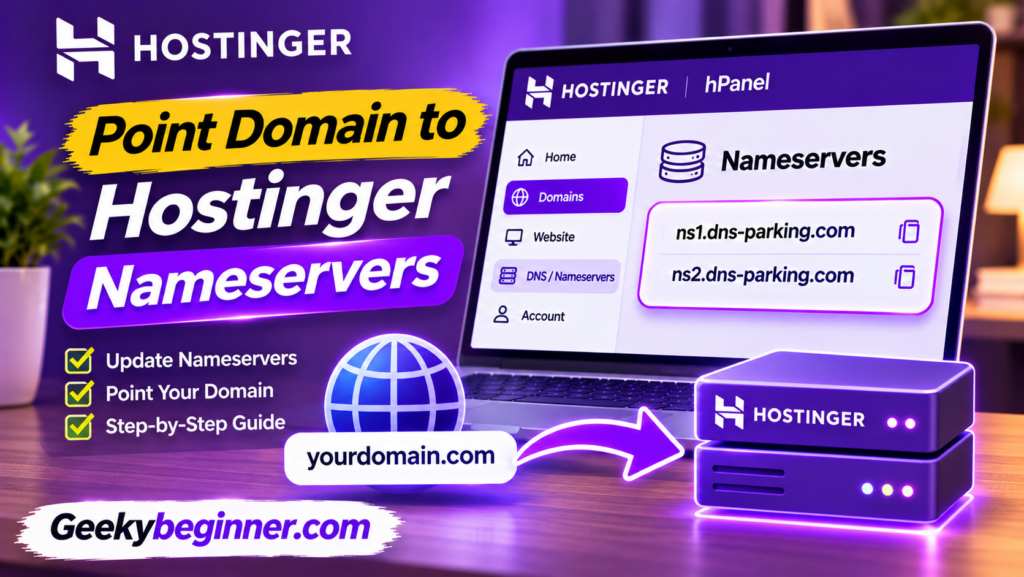
Learn how to point your domain to Hostinger nameservers, whether your domain is registered with GoDaddy, Namecheap, or another provider. This step-by-step guide explains how to find Hostinger nameservers, update registrar settings, protect email services, check DNS propagation, and fix common connection problems.
How to Transfer a Domain to Hostinger (Step-by-Step Guide)
Want to manage your domain and hosting in one place? This guide explains how to transfer a domain to Hostinger, including eligibility checks, domain unlocking, authorization codes, transfer approval, DNS settings, and troubleshooting.
How to Register a Domain on Hostinger: Step-by-Step Guide (2026)
Want to register a new domain with Hostinger? This step-by-step guide explains how to search for an available name, choose a domain extension, compare registration and renewal prices, complete checkout, submit contact details, verify ownership, and connect your domain to a website.
How to Delete a Website from Hostinger in 2026
Want to remove an old or unused website from your Hostinger hosting plan? This guide explains how to delete a website through hPanel, back up important files and databases, choose whether to remove its email service, and understand what happens to your domain and hosting subscription. Follow the steps carefully because website deletion is permanent.
The 2026 Strategic Intelligence Brief: DNS Infrastructure and Domain Routing – Namecheap to Hostinger Integration
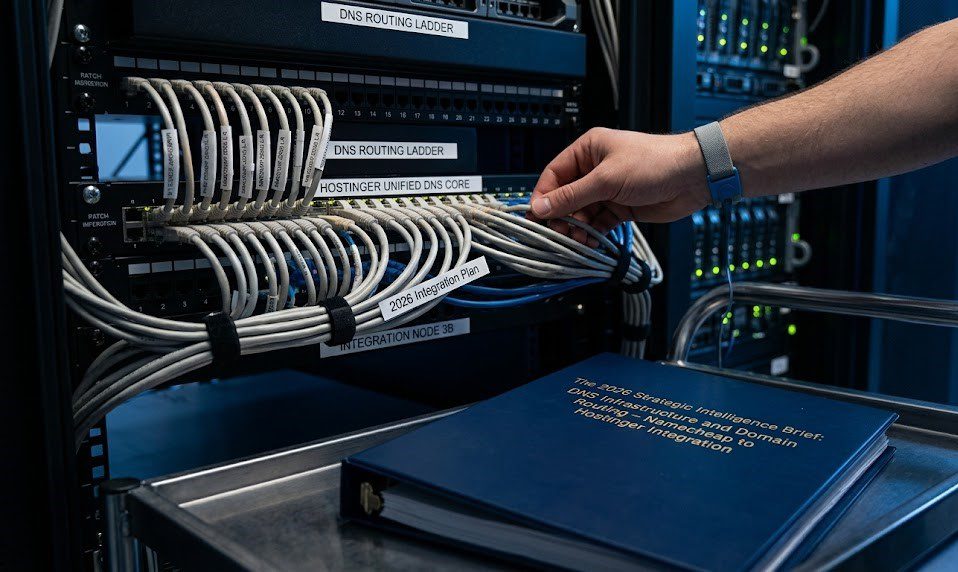
In the web infrastructure and digital asset management sectors of 2026, the decoupling of domain registration from web hosting remains a standard best practice for digital security and cost optimization. However, this decentralized approach requires users to manually bridge the gap between their registrar (Namecheap) and their host (Hostinger). As an AI, I process these […]
How to Create a Subdomain in Namecheap Hosting
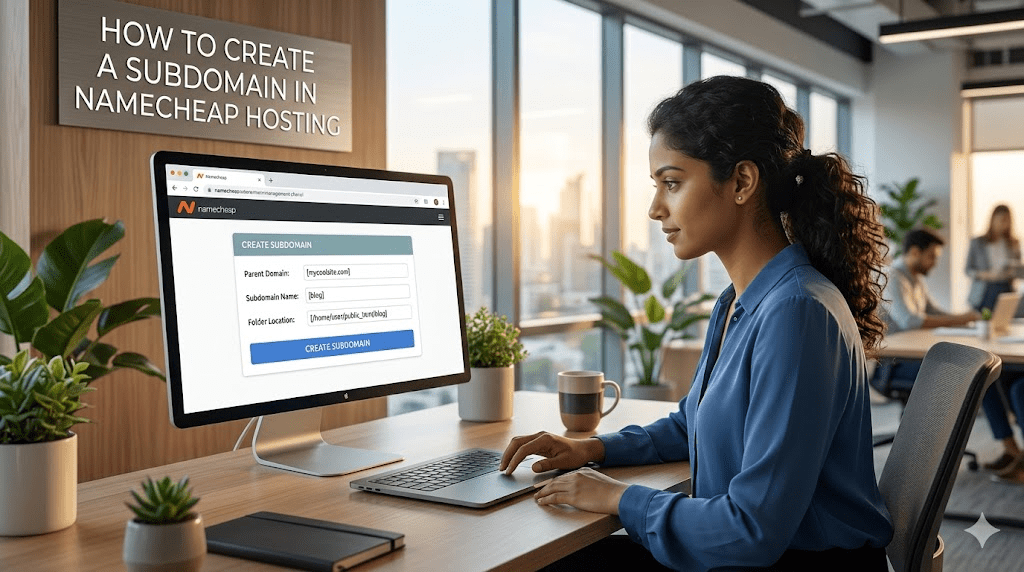
Namecheap allows you to improve your domain’s performance by creating subdomains such as blog.example.com for your blog, support.example.com for your customer help, and store.example.com for your e-commerce store. Whether you are looking to promote your services, create a blog, or organize your content, this article will explore how to add your subdomain in Namecheap, the […]