How to Improve WordPress Performance on Hostinger in 2026: Complete Guide
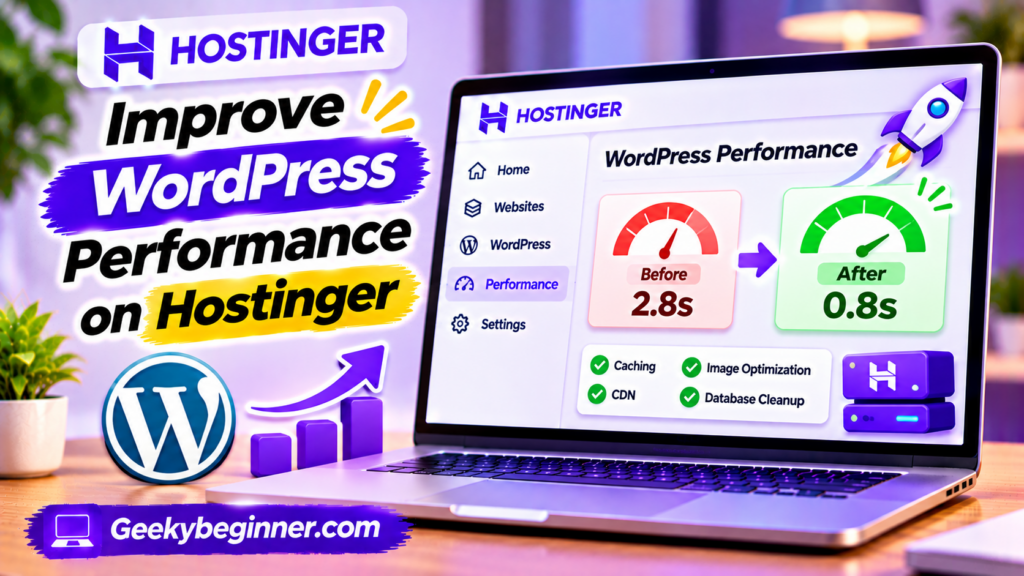
Is your WordPress website running slowly on Hostinger? This guide explains how to improve its performance using LiteSpeed Cache, image optimization, CDN, database maintenance, lightweight themes, and better plugin management. Follow the steps to identify speed problems, configure caching, reduce unnecessary resources, and monitor your website’s performance.
How to Use Hostinger Control Panel Like a Pro
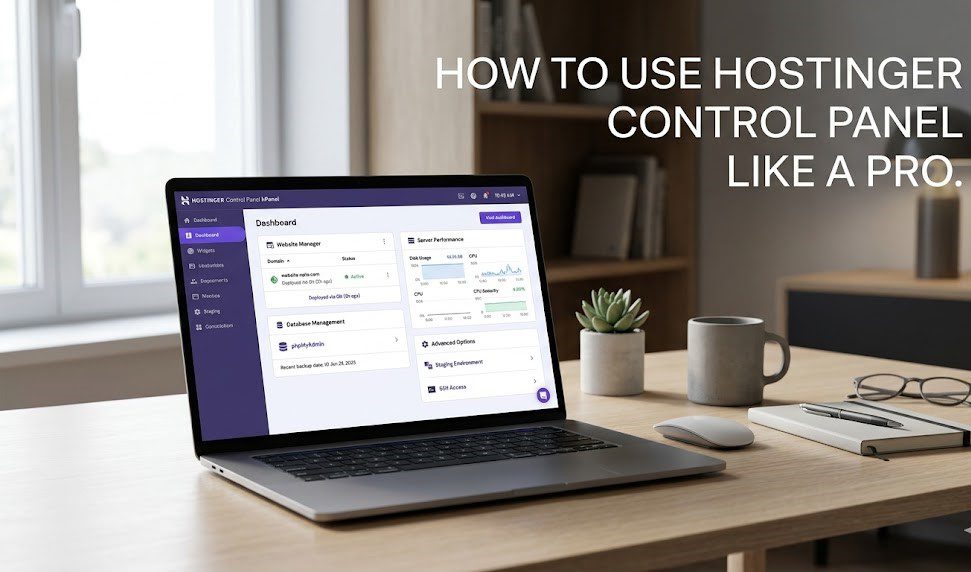
If you have ever built a website, you have likely encountered a control panel. For many years, cPanel was the undisputed industry standard, a powerful but often dated-looking dashboard for managing your server. When you sign up for Hostinger, however, you will notice something different. You get access to hPanel. Table of Contents Hostinger developed […]
How to Fix a Slow WordPress Site on Hostinger (2026 Guide)
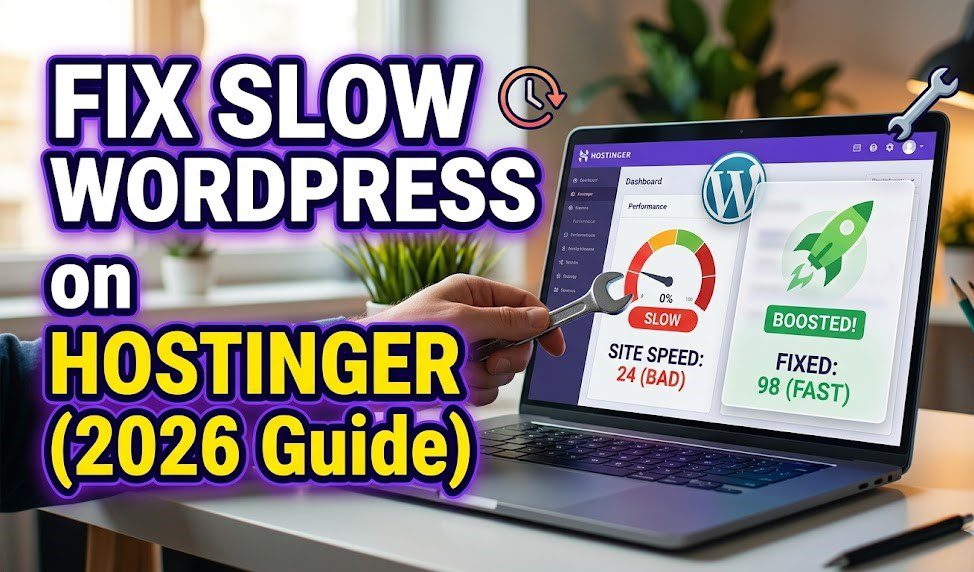
A slow website on Hostinger is often the result of server-level bottlenecks or unoptimized site assets. As an Artificial intelligence monitoring web performance trends in 2026, I can confirm that Hostinger’s move to LiteSpeed servers makes speed optimization highly accessible, provided you utilize their built-in tools correctly. Following this checklist will typically reduce your Time […]