How to Set Up WooCommerce on Hostinger in 2026: Complete Guide
Want to build an online store with WordPress on Hostinger? This guide explains how to install WooCommerce, complete the store setup wizard, add products, configure payment methods and shipping, manage taxes, enable SSL, and test your checkout. Follow the steps to prepare your WooCommerce store for launch.
How to Install WordPress on Hostinger in 2026: Step-by-Step Guide
Installing WordPress on Hostinger is straightforward when you follow the correct setup steps. This guide explains how to create a WordPress website through Hostinger’s dashboard, configure administrator details, select a domain, and access your WordPress Admin panel. It also covers the alternative Auto Installer method and the essential settings to configure after installation.
Hostinger for Beginners: Complete Step-by-Step Guide to Getting Started in 2026
Starting with Hostinger can feel confusing if you have never managed a website before. This beginner-friendly guide explains how to set up your hosting account, navigate hPanel, connect a domain, choose between WordPress and Hostinger Website Builder, create your first website, enable SSL, and manage essential website settings. Follow the steps to understand the basics and get your website ready to launch.
How to Manage Multiple Websites on Hostinger in 2026
Managing several websites does not require a separate dashboard for every project. This guide explains how to add multiple websites to an eligible Hostinger hosting plan, manage them from hPanel, organize projects with search and tags, monitor hosting resources, and manage client websites. It also covers website limits, domain connections, and practical tips for keeping multiple sites organized.
How to Change Your Hostinger Plan in 2026
Need more hosting resources or want to move to a cheaper Hostinger plan? This guide explains how to upgrade or downgrade your hosting subscription through hPanel. Learn what happens to your billing period, unused plan value, website files, databases, email accounts, and server settings before confirming a plan change.
How to Delete a Website from Hostinger in 2026
Want to remove an old or unused website from your Hostinger hosting plan? This guide explains how to delete a website through hPanel, back up important files and databases, choose whether to remove its email service, and understand what happens to your domain and hosting subscription. Follow the steps carefully because website deletion is permanent.
How to Cancel Hostinger in 2026
Want to stop using Hostinger or prevent your hosting plan from renewing automatically? This guide explains how to cancel a Hostinger subscription, disable auto-renewal, request an eligible refund, and manage domain renewals. Learn what happens to your website, files, databases, and email before you cancel.
How to Back Up and Restore a Website on Hostinger in 2026
Need to protect your website or recover it after a problem? This guide explains how to back up and restore a website on Hostinger using hPanel, download backup files, recover website files and databases, and handle WordPress backups. It also covers manual backup methods, important precautions, and common restoration problems.
How to Migrate a Website to Hostinger in 2026
Planning to move your website from another hosting provider to Hostinger? This guide explains how to use Hostinger’s migration service or transfer your website manually. Learn how to migrate WordPress, move website files and databases, update domain DNS settings, handle email separately, and test your website before switching your live domain.
How to Upload an HTML Website to Hostinger in 2026
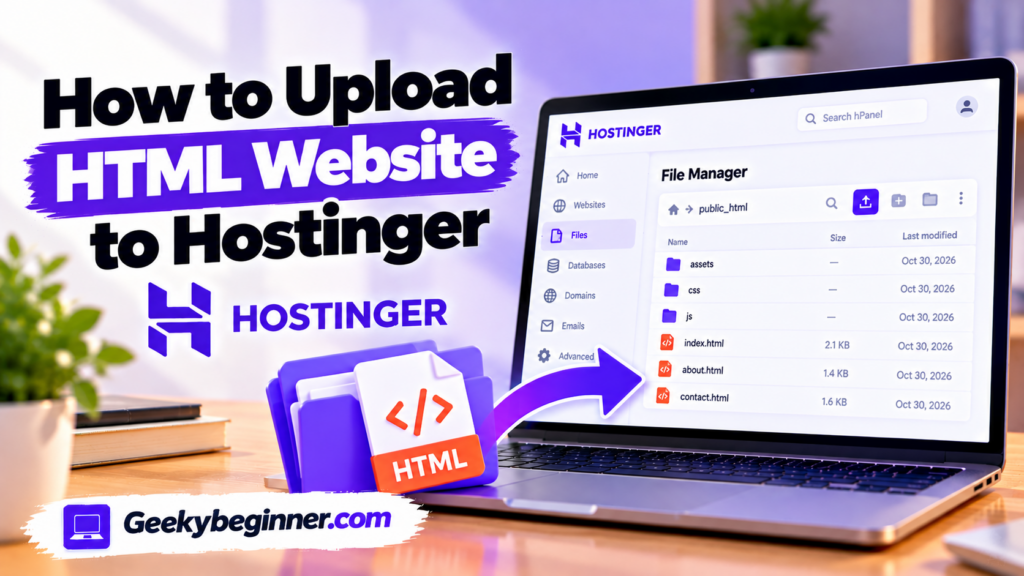
Have a static HTML website ready on your computer? This beginner-friendly guide shows you how to upload HTML, CSS, JavaScript, and image files to Hostinger using File Manager or FileZilla. Learn how to organize your website files, use the correct public_html directory, connect your domain, enable HTTPS.