How to Upload a Website to Hostinger in 2026
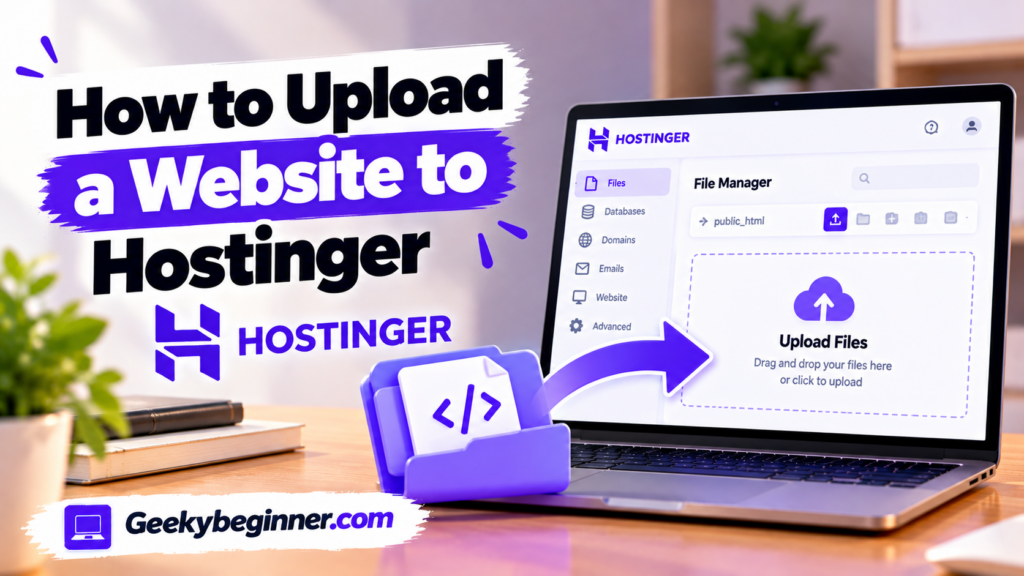
Want to publish a website you have built on your computer? This guide explains how to upload website files to Hostinger using File Manager or FTP, organize files in the correct directory, import a database for dynamic websites, connect your domain, enable SSL, and check that your website works correctly after deployment.
How to Use Hostinger hPanel in 2026
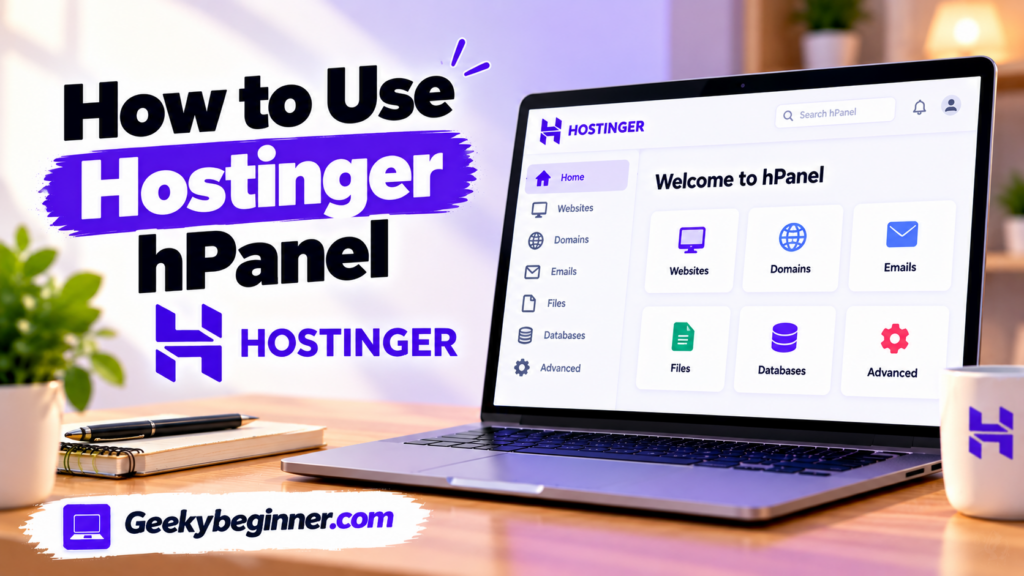
New to Hostinger hPanel? Learn how to navigate the dashboard and manage your hosting account, websites, domains, DNS records, files, databases, email, backups, SSL certificates, and security settings. This beginner-friendly guide explains the main tools and shows you where to find the settings you need.
How to Add a Website to Hostinger
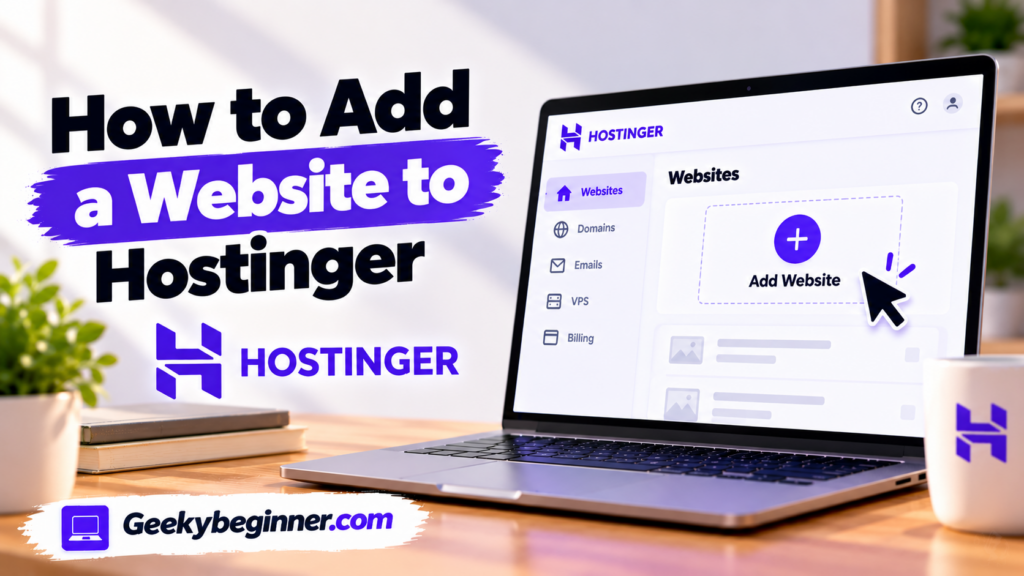
Need to add a website to your Hostinger account? This step-by-step guide explains how to choose the right hosting plan, create a new website, install WordPress or use Hostinger Website Builder, connect a domain, migrate an existing site, and complete the essential settings before publishing.
How to Connect a Domain to Hostinger in 2026: Step-by-Step Guide
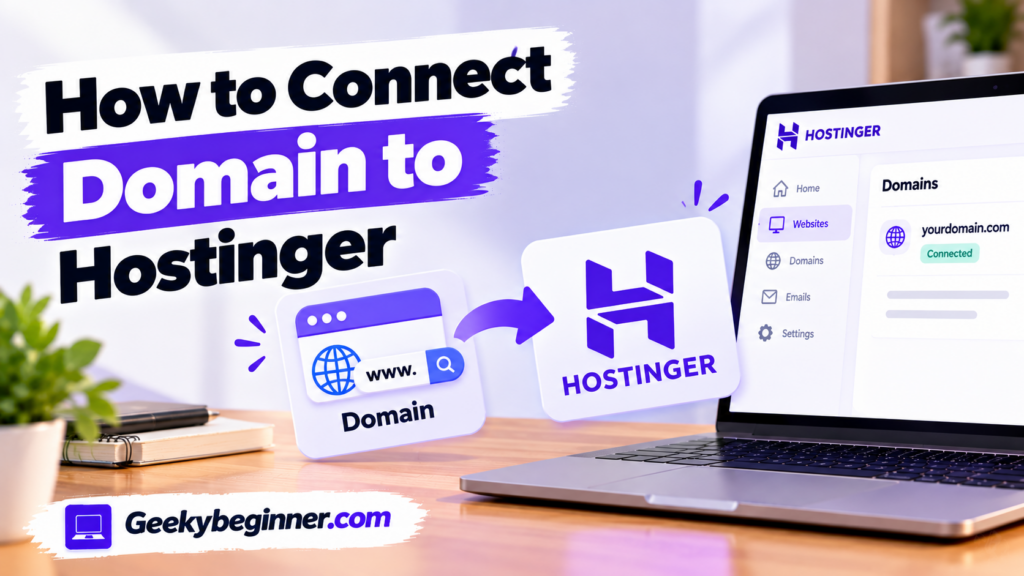
Want to connect a domain registered with another provider to your Hostinger hosting account? Follow this step-by-step guide to add your domain, change nameservers or A records, configure DNS, protect existing email services, enable SSL, and confirm that your website is connected correctly.
How to Set Up a Domain on Hostinger in 2026: Complete Guide
Need to connect a domain to your Hostinger website? This guide explains how to register a new domain, connect an existing domain from another provider, update nameservers or A records, configure DNS, protect existing email services, and verify that your domain is working correctly.
How to Create a Website on Hostinger in 2026: Step-by-Step Guide
Want to build your first website with Hostinger? This beginner-friendly guide walks you through choosing WordPress or Hostinger Website Builder, connecting a domain, designing pages, adding content, configuring essential settings, and publishing your website.
How to Buy Hosting on Hostinger in 2026: Step-by-Step Guide

Want to purchase web hosting from Hostinger but don’t know where to start? This step-by-step guide explains how to compare plans, select a subscription period, register or connect a domain, create an account, apply a coupon, and complete payment. It also covers renewal pricing and the first setup steps after buying hosting.
Who Should Use Hostinger in 2026? Best Use Cases and Who Should Avoid It
Hostinger can be a practical choice for beginners, bloggers, freelancers, and small businesses that want an accessible way to launch a website. Learn who benefits most from its hosting, where its limitations matter, and when another hosting provider may be a better fit.
Best Hostinger Alternatives in 2026: Top Hosting Providers Compared
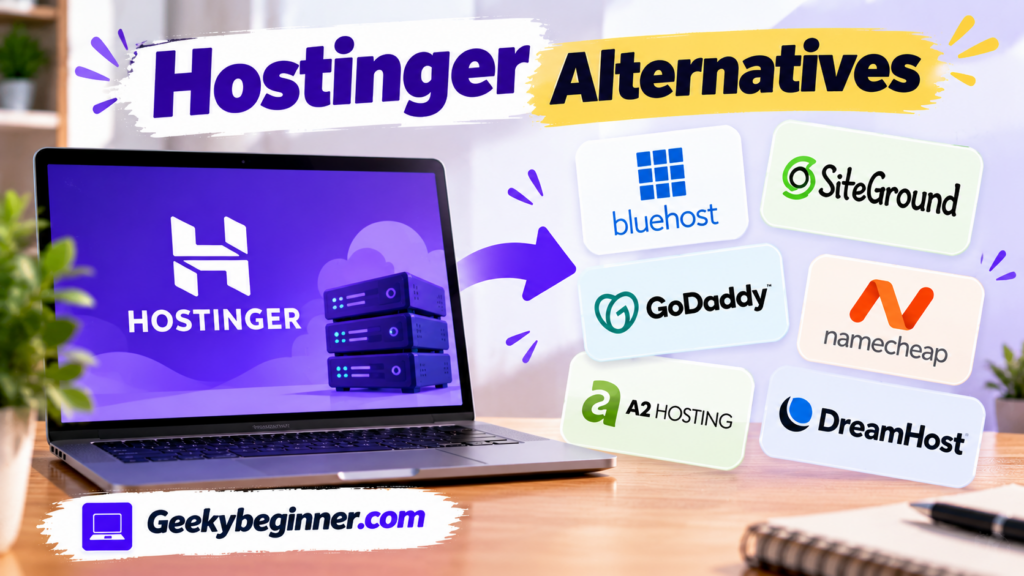
Explore the 10 best Hostinger alternatives in 2026, including Bluehost, SiteGround, Namecheap, DreamHost, GoDaddy, and Cloudways. Compare hosting features, pricing structures, renewal costs, WordPress tools, performance, storage, backups, and customer support to find the right provider for your website.
Hostinger vs Namecheap: Which Hosting Is Better in 2026?
Compare Hostinger and Namecheap in 2026 by hosting prices, renewal costs, storage, website limits, WordPress features, cPanel, backups, security, and customer support. Discover which provider offers better value, what each plan includes, and which hosting service is right for your website and budget.