How to Migrate WordPress to Hostinger in 2026: Step-by-Step Guide
Moving your WordPress website to Hostinger involves transferring its files and database, checking the migrated copy, and connecting your domain. This guide explains how to use Hostinger’s migration service, migrate with a plugin, or transfer your website manually. It also covers email migration, DNS changes, SSL setup, and common migration problems.
How to Migrate a Website to Hostinger in 2026
Planning to move your website from another hosting provider to Hostinger? This guide explains how to use Hostinger’s migration service or transfer your website manually. Learn how to migrate WordPress, move website files and databases, update domain DNS settings, handle email separately, and test your website before switching your live domain.
How to Upload a Website to Hostinger in 2026
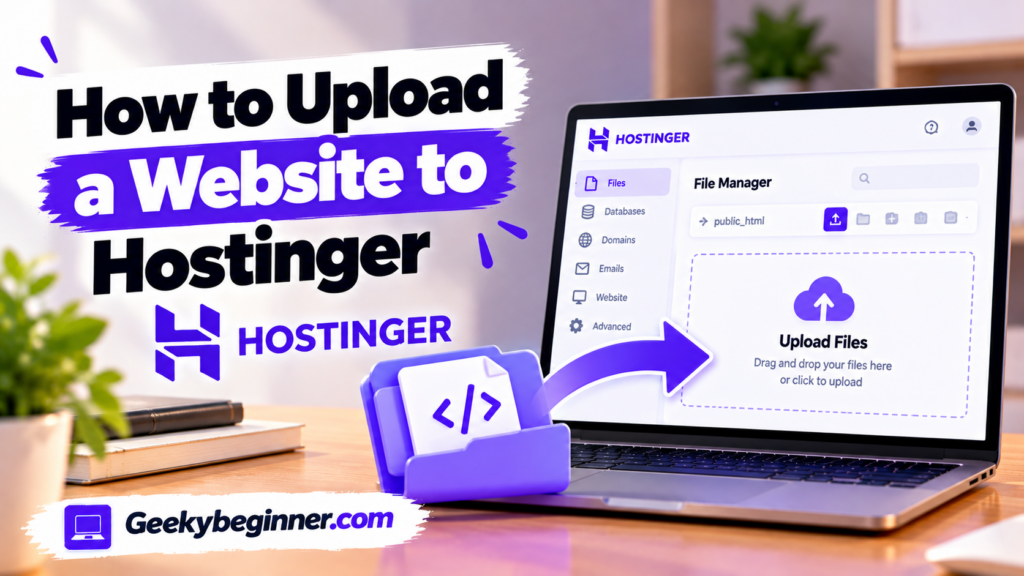
Want to publish a website you have built on your computer? This guide explains how to upload website files to Hostinger using File Manager or FTP, organize files in the correct directory, import a database for dynamic websites, connect your domain, enable SSL, and check that your website works correctly after deployment.
How to Add a Website to Hostinger
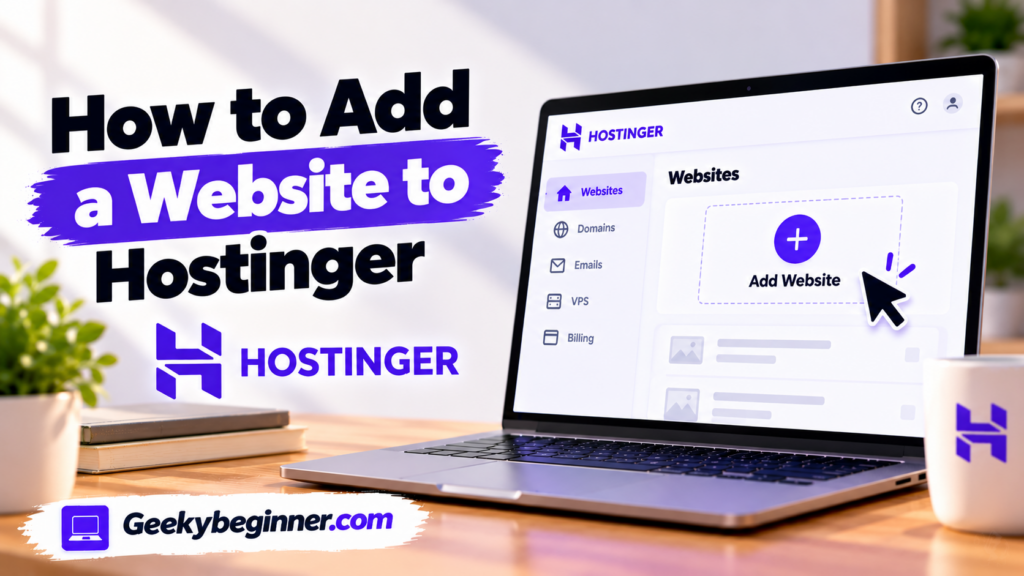
Need to add a website to your Hostinger account? This step-by-step guide explains how to choose the right hosting plan, create a new website, install WordPress or use Hostinger Website Builder, connect a domain, migrate an existing site, and complete the essential settings before publishing.
How to Buy Hosting From Hostinger: A Quick Guide
Whether you’re creating a website for the first time or migrating from another provider, a Hostinger hosting plan will ensure your site delivers the best user experience 24/7. Fortunately, buying hosting from Hostinger is a breeze. In this article, we’ll guide you through each step of the process and explain exactly what you need to […]